
Dive Meet Sign Up
What you'll find below
- Overview of meet signups
- How to register your Diver for a meet
- How sign up for volunteer jobs
All sign-ups are accessible in the Signup Calendar. Please note the Signup calendar lists both dive and swim events, be sure to select a Dive Meet.
Overview
It is very important for the coach to know if your diver(s) will be attending a meet. The coach must prepare dive sheets in advance of each meet and divers need to review and sign their dive sheets before each meet. This is typically done at Friday’s practice. If your plans change after you have declared a diver attending or not attending, please let the coach know as soon as possible.
Dive Meet Signups
- Under the Meets & Events tab, select "Signup Calendar" to sign up for a dive meet
- Click
the green MEET ENTRY button next to the Meet
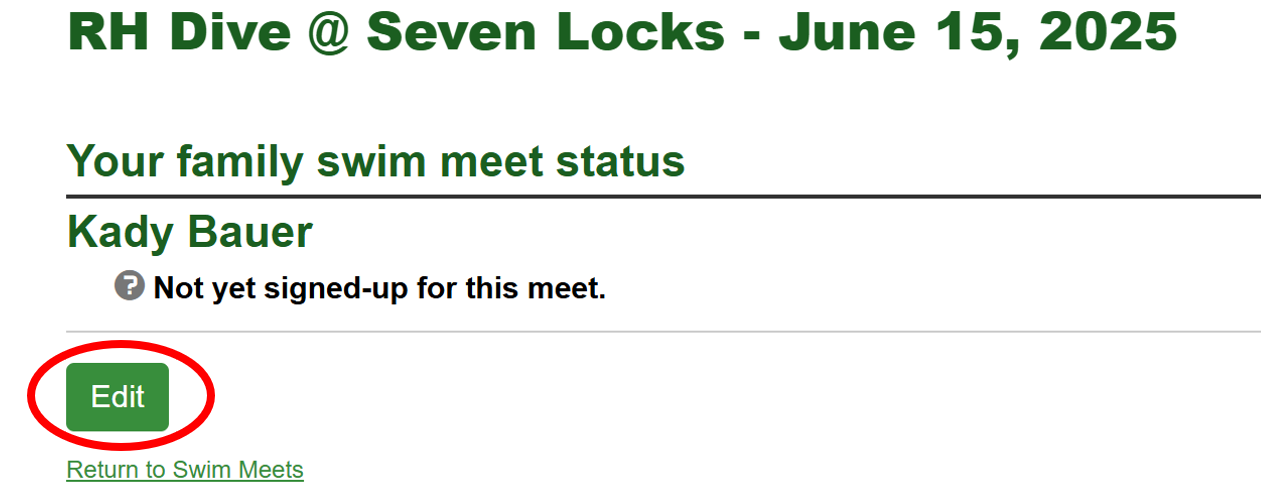
- You will see a list of athletes associated with your account.
- Click Edit to
add or change their attendance.

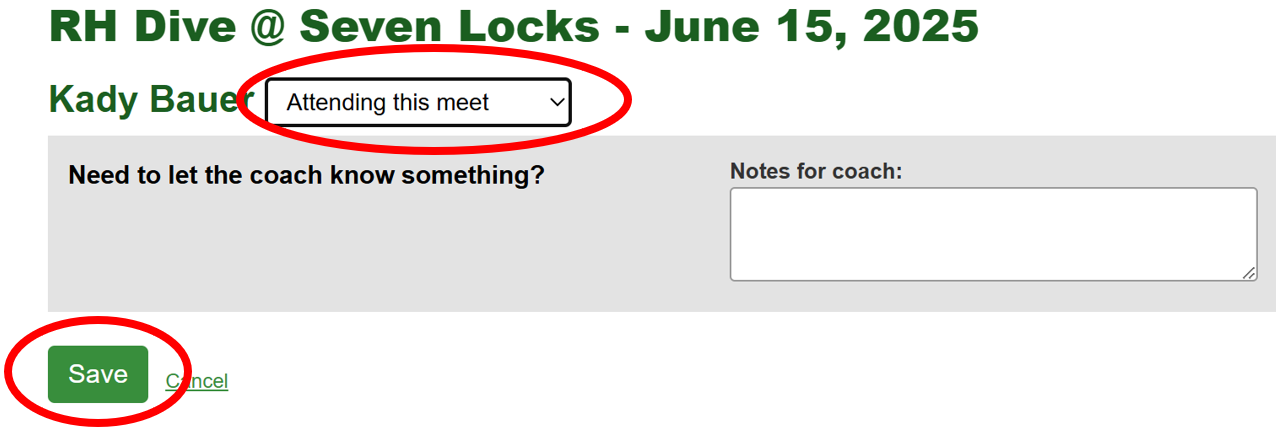
- For each athlete, select if they will be available for the meet.
- Once complete, remember to "SAVE".
Volunteer Signup
When you are selecting your diver(s) availability, you will also see a banner reminding you to sign-up for one of the available volunteer shifts for the meet.
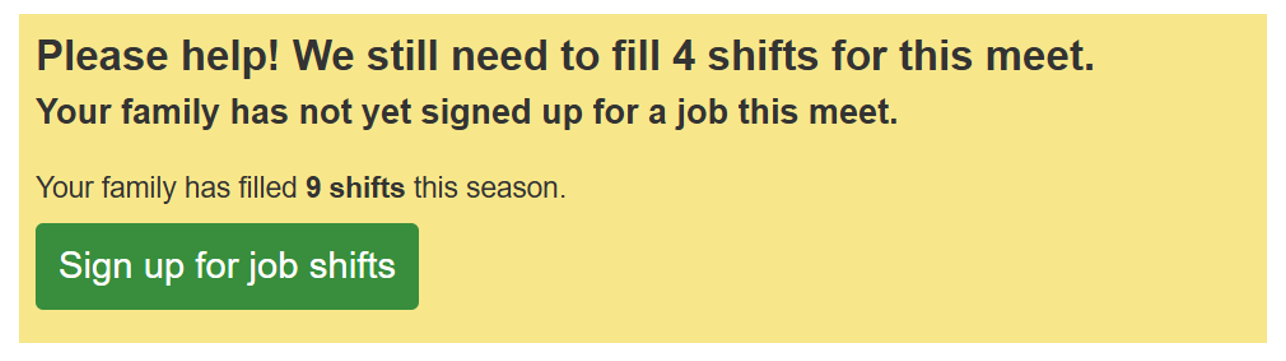
If you want to change your volunteer sign-up, from the meet list, you can also click the Job Signup Button.

